
ChatGPT-4o
Cinematic
Published Oct 31, 2026
Anime Character Real-World Stream i2i
An advanced image-to-image prompt to blend anime characters into realistic smartphone livestream interfaces and urban settings with human interaction. - YouMind
Ai Prompt Labs
@admin • Prompt Engineer
Prompt Instruction Payload
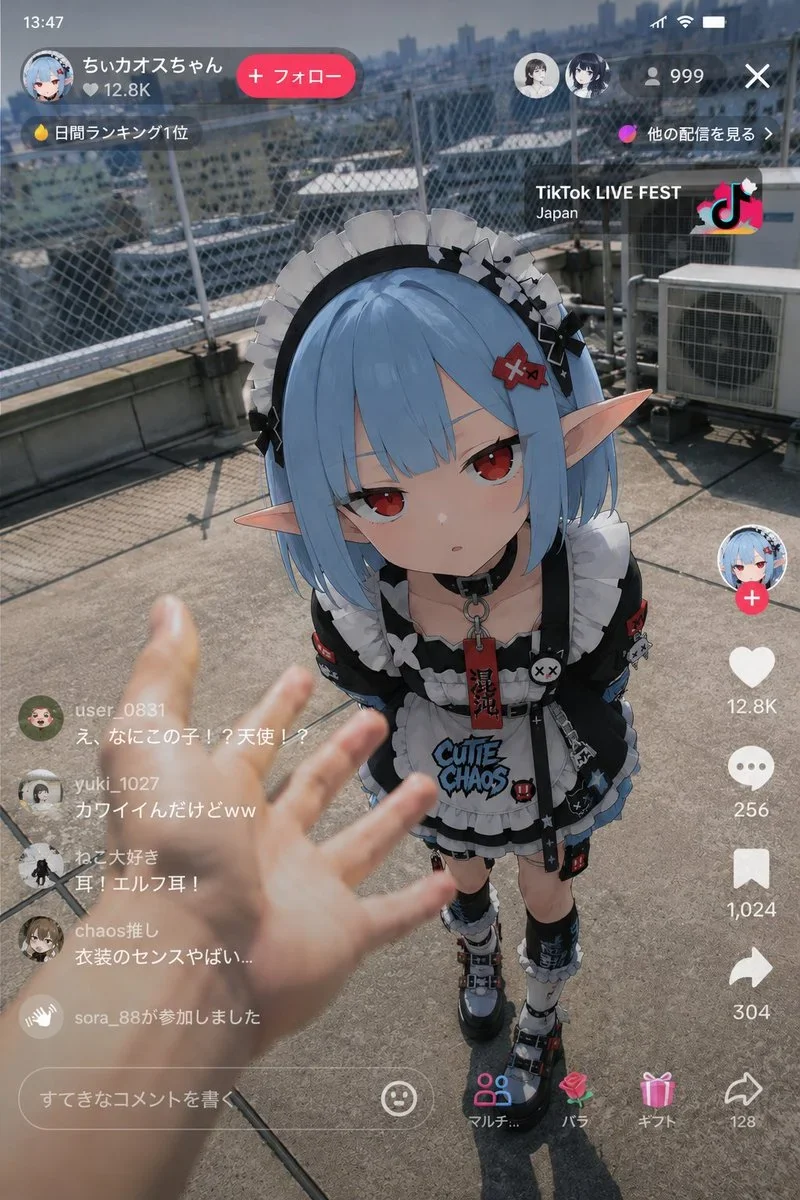
Use the reference image as the base for character design and depict "the moment an anime character appeared in a real-world live stream."
Accurately maintain the atmosphere of the character as an anime illustration.
Never break the character's identity. Do not turn them into a live-action human. Maintain anime illustration expression for the character part.
Vertical smartphone distribution screen. TikTok LIVE, YouTube Live, Instagram Live, common vertical live streaming UI.
The background is not fixed. Randomly generate a realistic urban space or a realistic space with a sense of daily life. Examples: rooftop of a building, in front of a convenience store, game center, in front of a station, residential area, stairs of a multi-tenant building, late-night alley, riverbed, in front of karaoke, around a late-night vending machine, streaming room, otaku room, in front of a regional city station, rainy sidewalk, shopping district, etc.
The background is not too clean. Emphasize the sense of life, clutter, and realistic noise.
Naturally frame in live-action level human hands and arms in the foreground of the screen. The human side should show movements like trying to touch the girl, pointing, measuring distance, reacting in surprise, offering food or drink, or accidentally interfering during the stream.
The foreground hand should be slightly blurred with a shallow depth of field. Emphasize reality like "footage someone accidentally captured during a live stream."
Do not make it like a movie poster. No excessive cinematic production. No overly beautiful compositions. No excessive glowing effects. Avoid AI-specific glossy rendering. Do not overload with information.
The live streaming UI should include comment sections, concurrent viewer counts, LIVE display, likes, gift notifications, etc. The comment section should have realistic reactions buzzing with skepticism.
Unify lighting naturally. Match ambient light of the background and character, such as natural light, street lights, convenience store lighting, monitor light, etc.
Add smartphone photography-like texture. Light HDR processing, fine sensor noise, slight JPEG compression feel, natural exposure, weak chromatic aberration, light lens bloom, autofocus-like atmosphere, slight camera shake, and instability typical of handheld shooting. Emphasize a sense of coincidence like a "mysterious witness stream screenshot posted on SNS" rather than a perfect work.
Insert discreet watermark in the lower right corner of the image, vertical text (rotated 90°), written "aipromptlabs.online", Calibri Light font, white color with low opacity (semi-transparent), medium size. Extreme sharpness on the face, fabric texture and typography of the letters. Shot on Canon EOS R5, 50mm f/2.8, studio light.
Usage Instructions & Parameters
Run prompt with modern generative AI model. Adjust details and styling to taste.
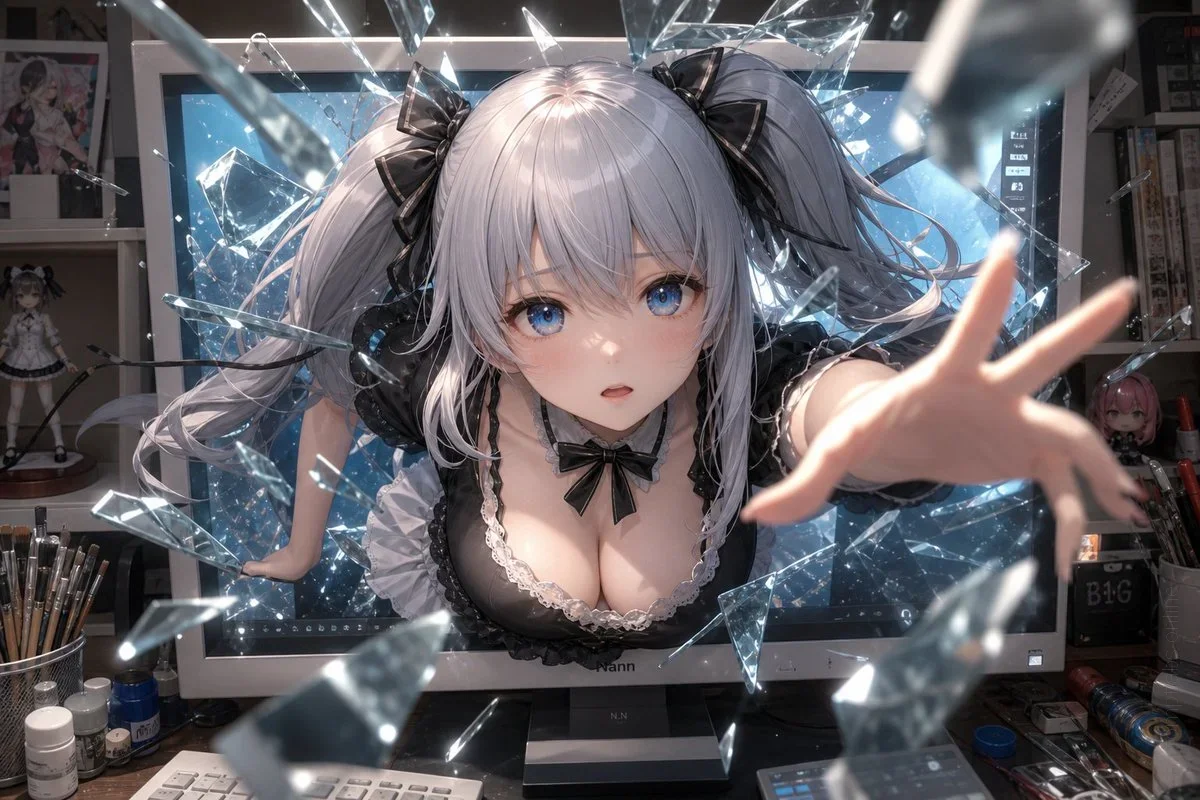
ChatGPT-4o
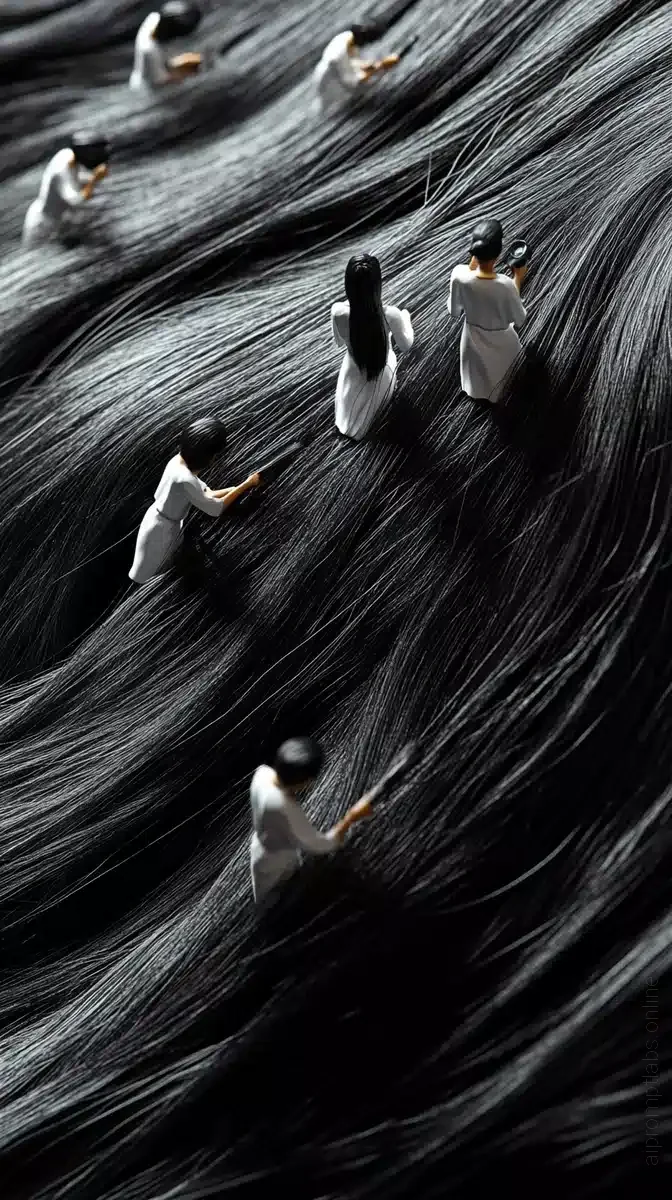
Midjourney v6.1
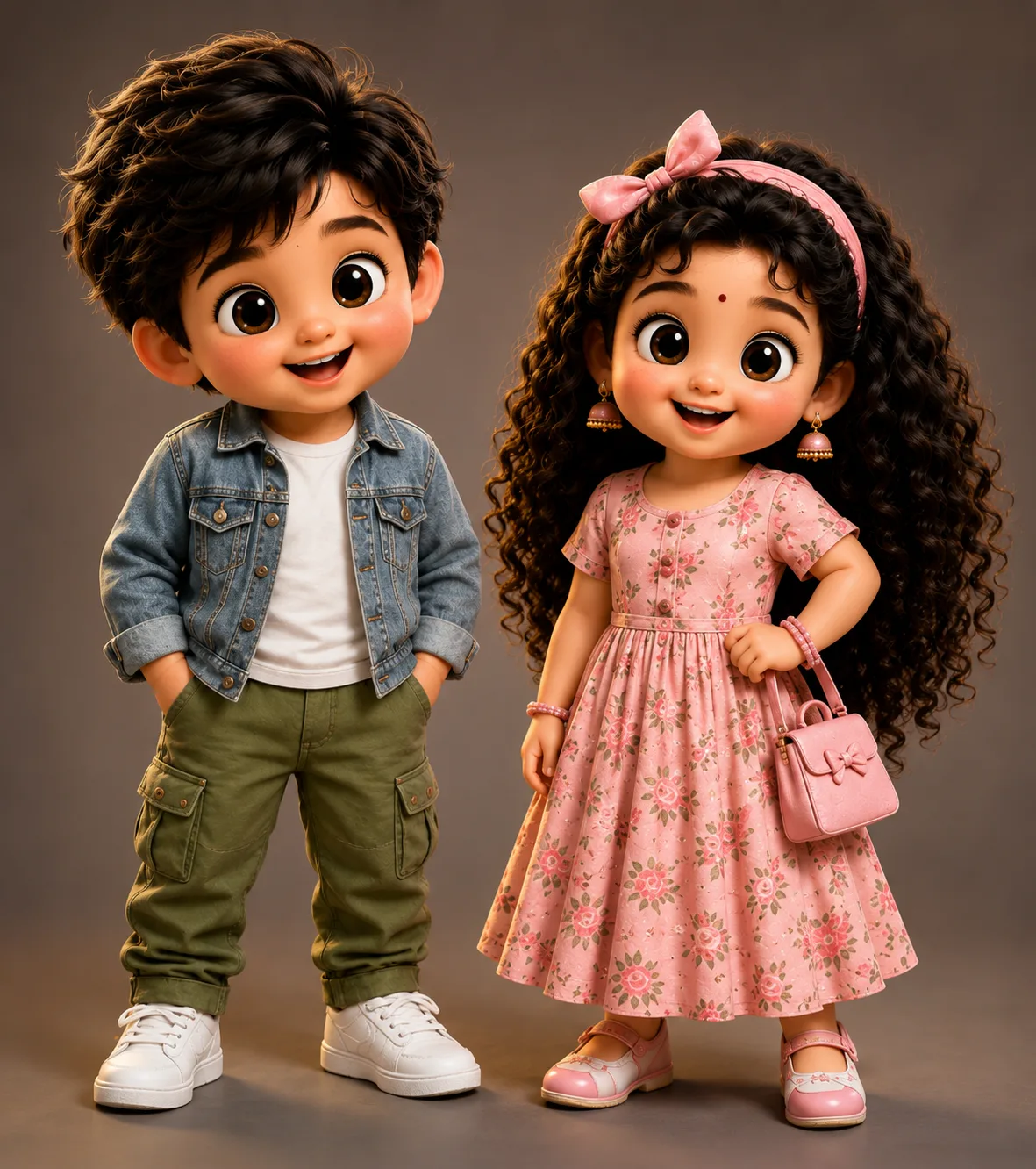
ChatGPT-4o
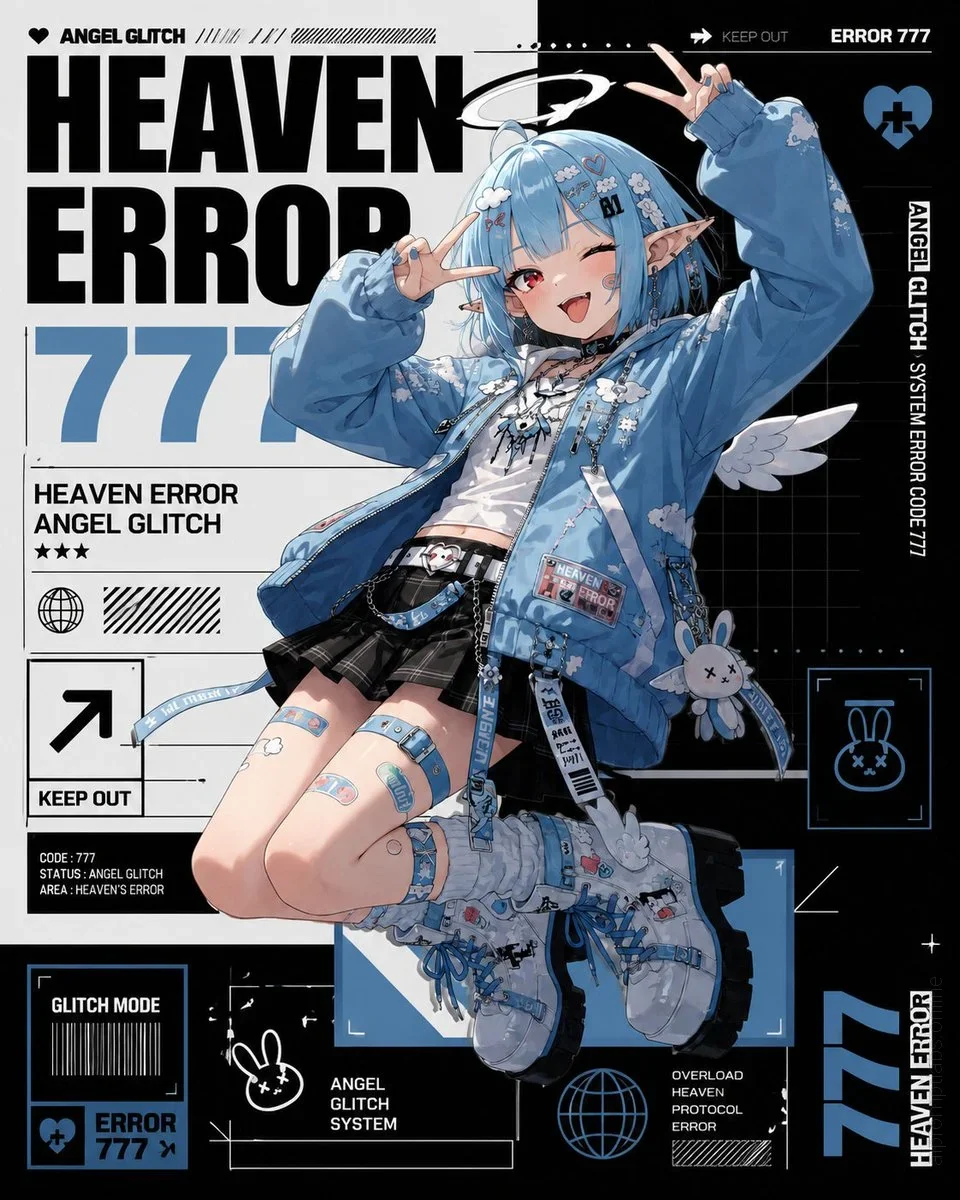
ChatGPT-4o
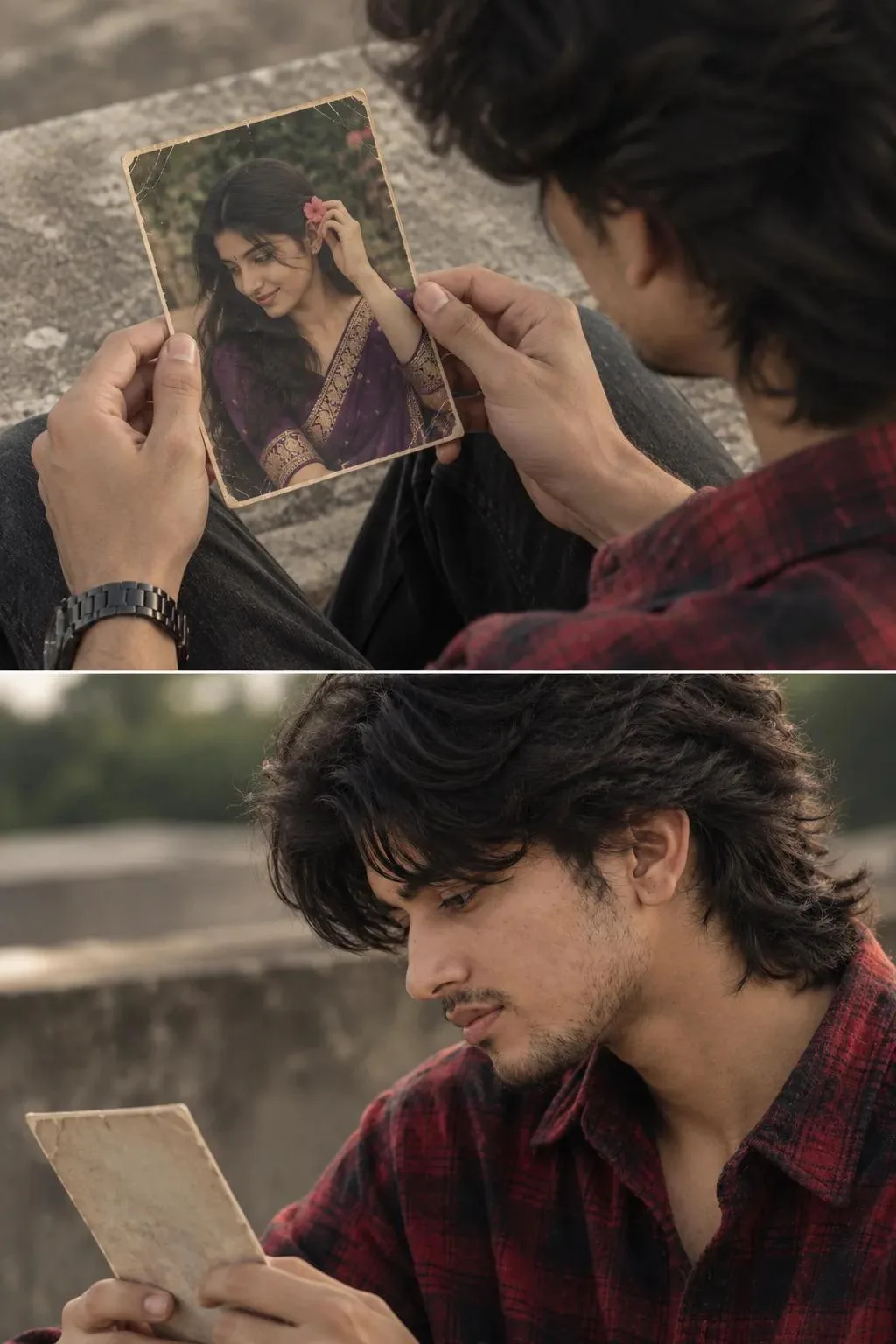
ChatGPT-4o

Creator Discussions & Community Comments 0
Join the AI Prompt Labs community to comment and share variations.