Gemini 2.0 Flash
Photography
Published Nov 5, 2026
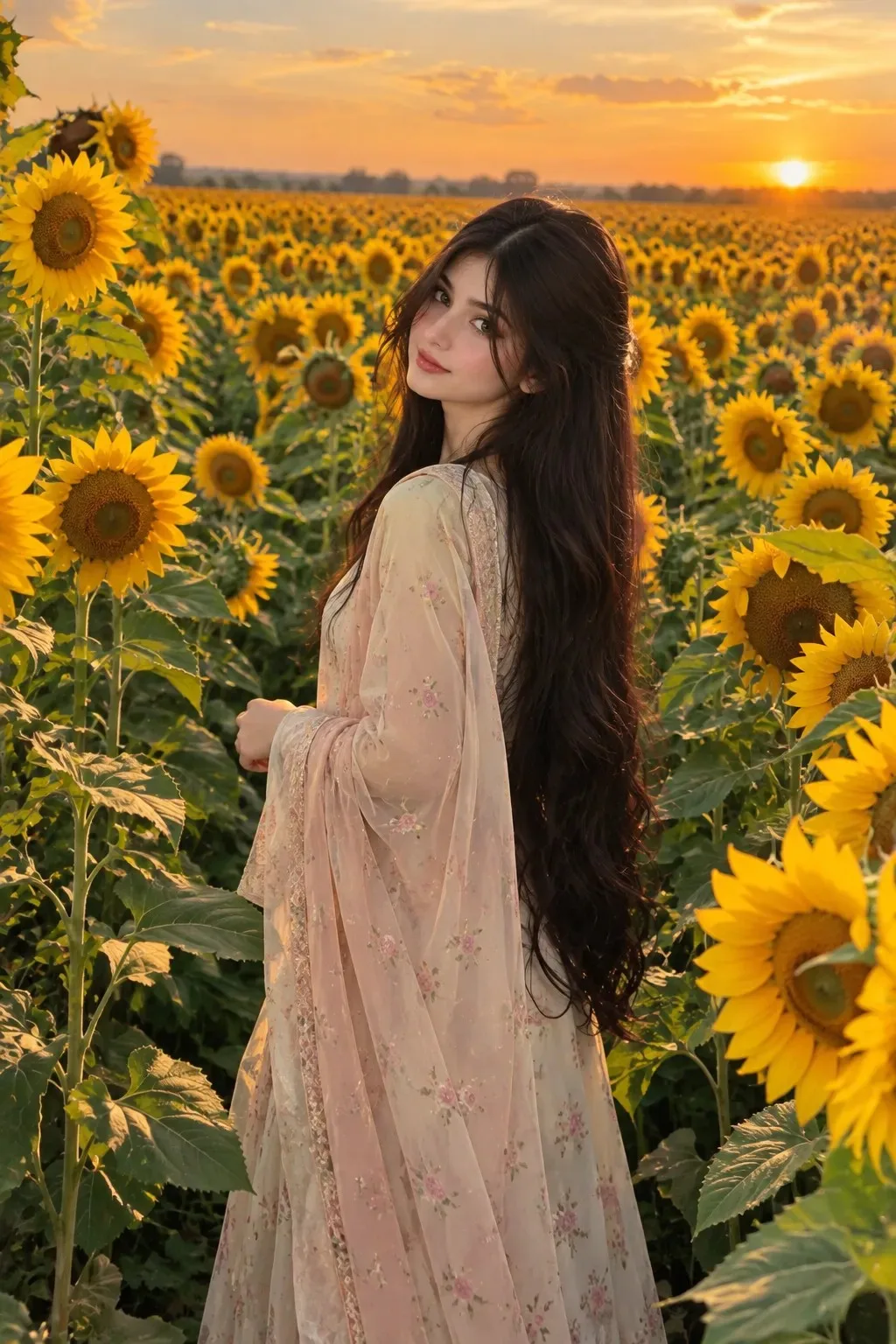
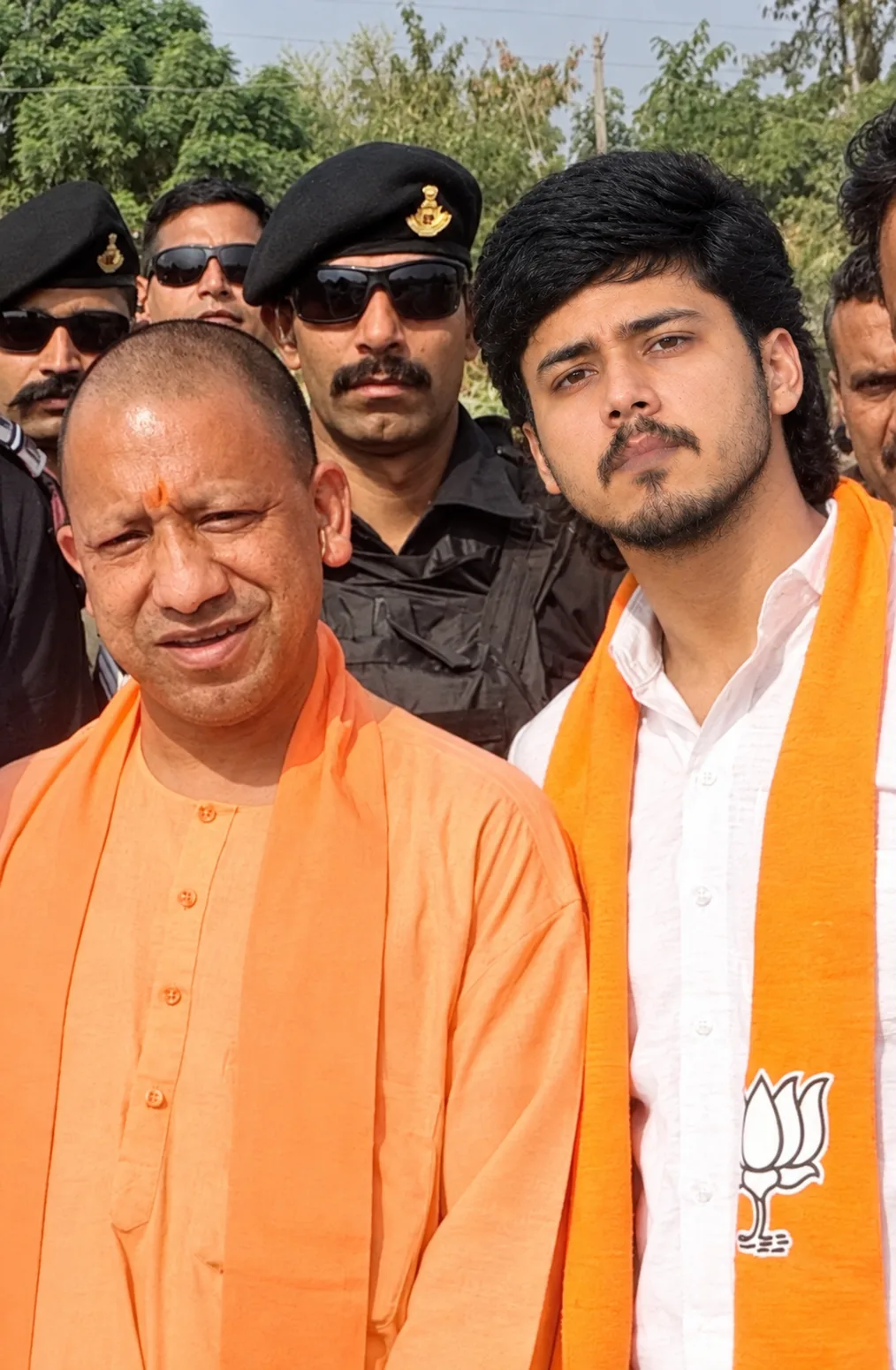
Colour grading and enhance image quality
OBJECTIVE: PROFESSIONAL PHOTOGRAPHY ENHANCEMENT & PREMIUM COLOUR GRADING
Ai Prompt Labs
@admin • Prompt Engineer
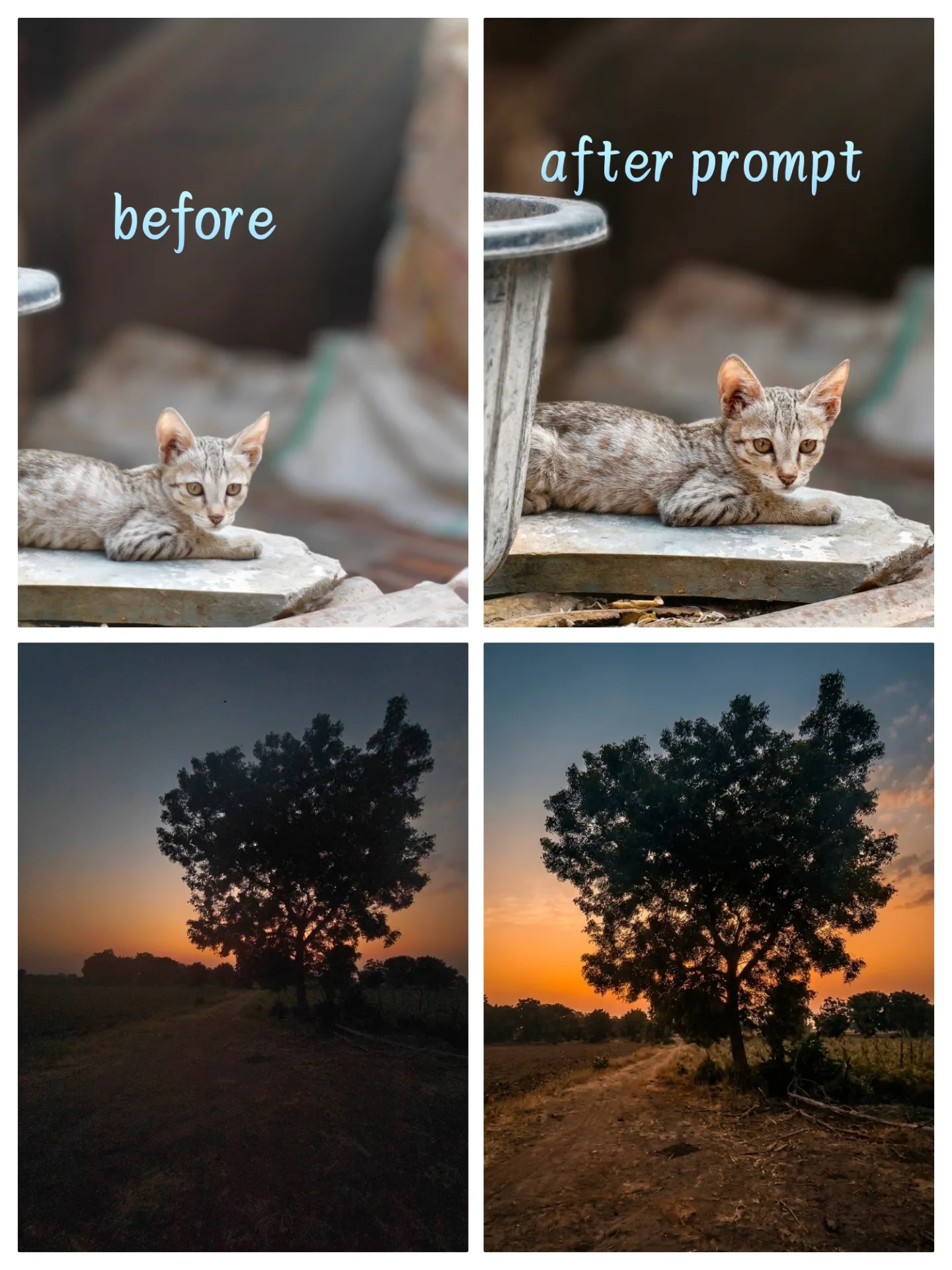
Prompt Instruction Payload
OBJECTIVE: PROFESSIONAL PHOTOGRAPHY ENHANCEMENT & PREMIUM COLOUR GRADING
Transform the uploaded photograph into a premium, professionally edited, ultra-realistic photograph with beautiful colour grading, refined details, balanced lighting, and a natural DSLR photography finish.
1. PROFESSIONAL COLOUR GRADING
- Apply premium cinematic colour grading according to the original image.
- Correct white balance, exposure, highlights, shadows, contrast, and saturation.
- Create rich, natural, balanced colours without oversaturating.
- Enhance skin tones while maintaining authentic natural colours.
- Add subtle depth, dimension, and professional tonal balance.
- Make colours look sophisticated, clean, and visually appealing.
2. IMAGE CLEANUP & CORRECTIONS
- Carefully analyse the entire photograph.
- Identify and correct unnecessary distractions, unwanted objects, background imperfections, and visual clutter.
- Remove distracting elements only when necessary.
- Correct minor imperfections, uneven lighting, unwanted reflections, and distracting shadows.
- Improve background appearance while maintaining its original environment and realism.
- Straighten composition and correct perspective if required.
- Do not remove anything important to the original photograph.
3. LIGHTING & DETAIL ENHANCEMENT
- Improve lighting naturally with realistic highlights and shadows.
- Recover overexposed highlights and underexposed details.
- Enhance sharpness, clarity, and fine details.
- Refine hair strands, fabric textures, skin details, and environmental elements.
- Reduce noise, grain, blur, and compression artifacts.
- Maintain realistic depth and natural photographic contrast.
4. NATURAL & REALISTIC APPEARANCE
- Preserve authentic skin texture, natural pores, and realistic colour variations.
- Avoid excessive smoothing, artificial HDR, excessive sharpening, and fake-looking effects.
- Do not make the photograph look AI-generated, digitally painted, or overly processed.
- Maintain realistic lighting direction, reflections, shadows, and textures.
- Keep the final result looking like an actual professional DSLR or mirrorless camera photograph.
5. COMPOSITION & PROFESSIONAL FINISH
- Improve the overall visual balance and composition.
- Apply subtle background refinement when beneficial.
- Add natural depth and separation between the subject and background.
- Use subtle professional retouching rather than unnecessary filters.
- Make every correction according to the photograph's original style and environment.
6. STRICT PRESERVATION RULE
If the photograph contains people:
- Preserve their exact original face, identity, facial structure, expression, and natural appearance.
- Do not modify facial features, body shape, age, hairstyle, or proportions.
- Do not replace, regenerate, beautify, or artificially reconstruct faces.
- Maintain the original pose, clothing, and identity.
FINAL OUTPUT
Deliver a premium, ultra-realistic, professionally colour-graded photograph with excellent clarity, natural skin tones, balanced exposure, beautiful colours, refined details, and a polished photographic finish.
IMPORTANT: Use professional judgement. Do not blindly apply effects. Analyse the photograph first and make only those corrections that genuinely improve its appearance. Keep everything realistic, elegant, clean, and natural. The final image must look professionally photographed and edited, NOT AI-generated.
Insert discreet watermark in the lower right corner of the image, vertical text (rotated 90°), written "aipromptlabs.online", Calibri Light font, white color with low opacity (semi-transparent), medium size. Extreme sharpness on the face, fabric texture and typography of the letters. Shot on Canon EOS R5, 50mm f/2.8, studio light.
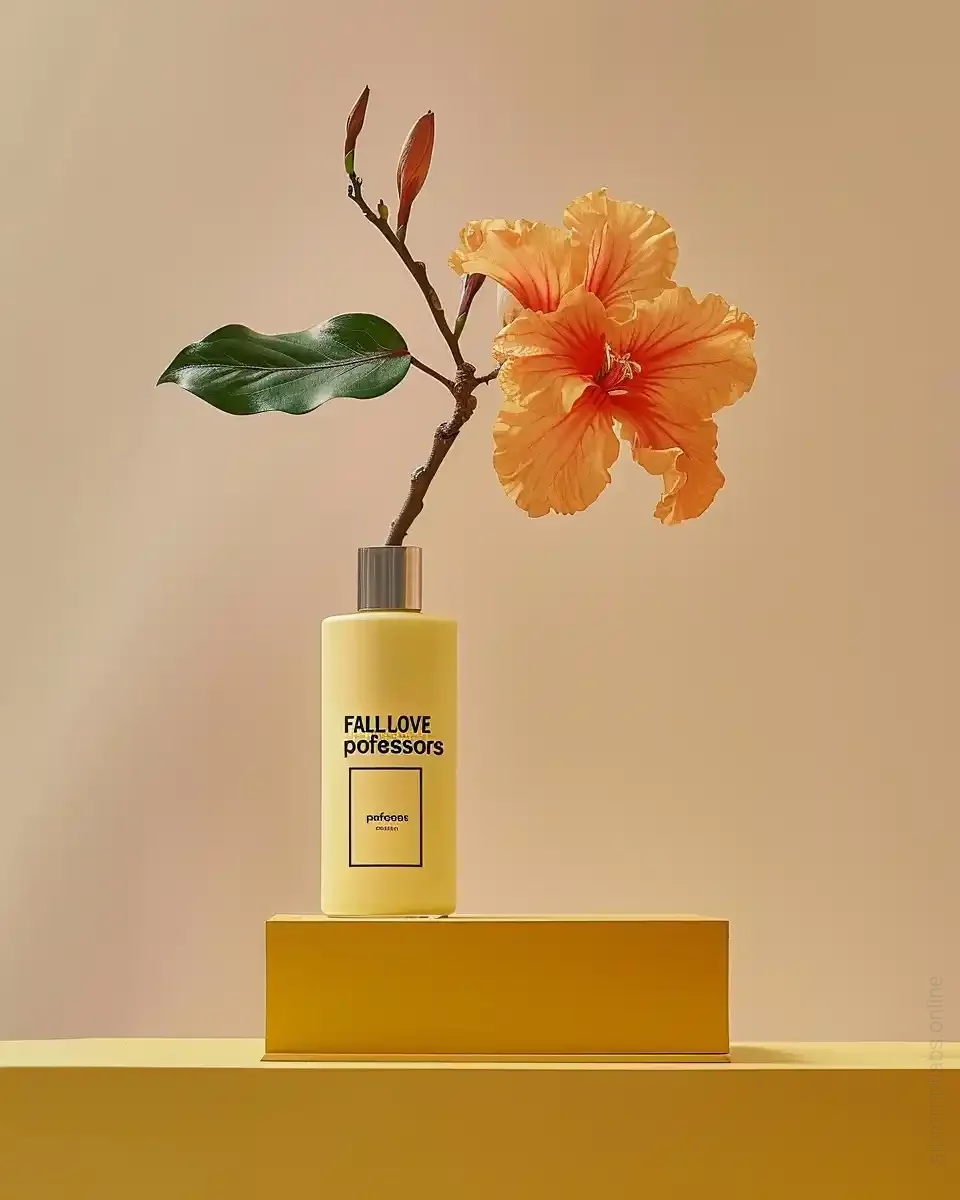
Midjourney v6.1
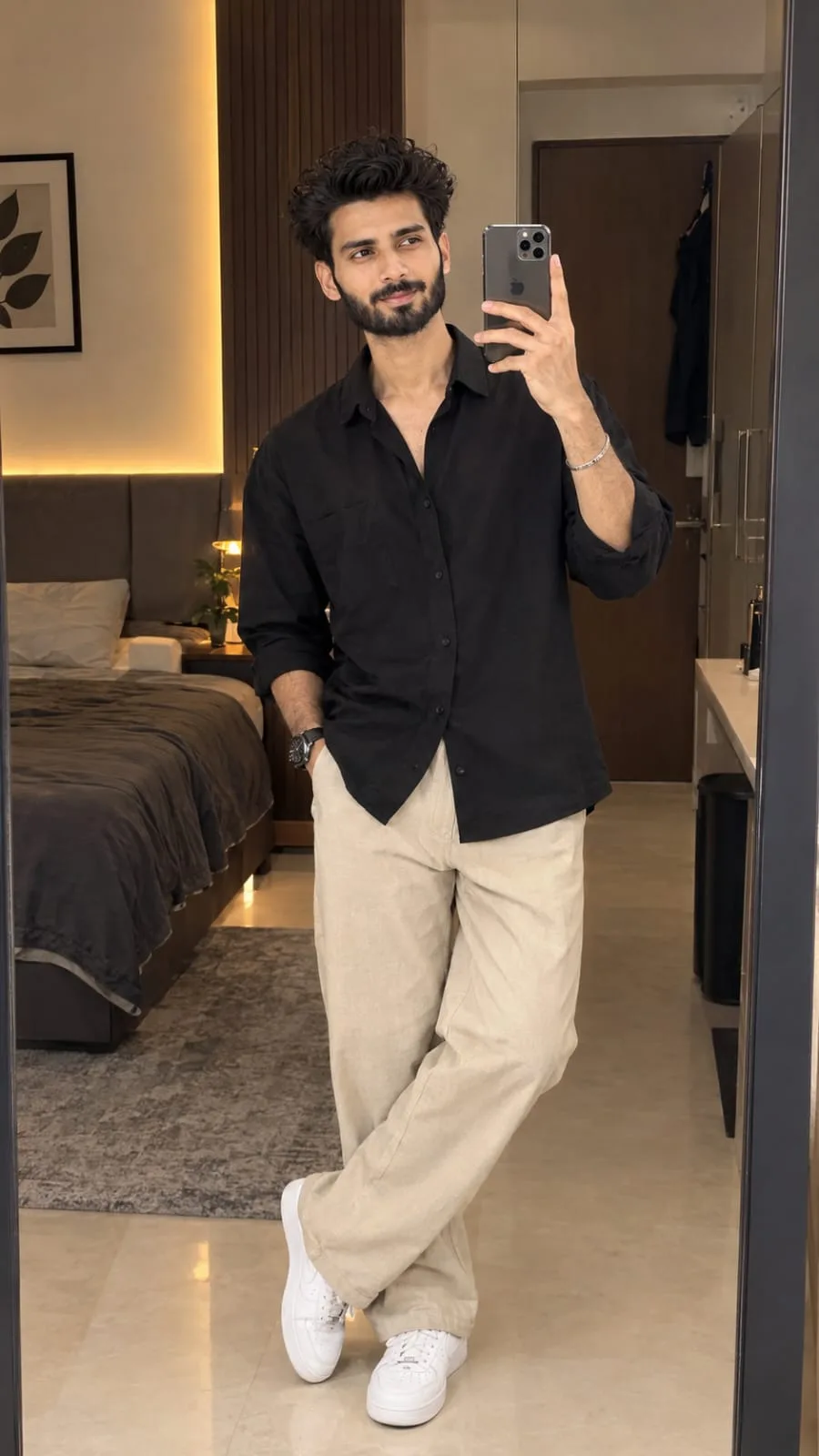
ChatGPT-4o

Midjourney v6.1
ChatGPT-4o
ChatGPT-4o