
Gemini 2.0 Flash
Fashion
Published Nov 5, 2026
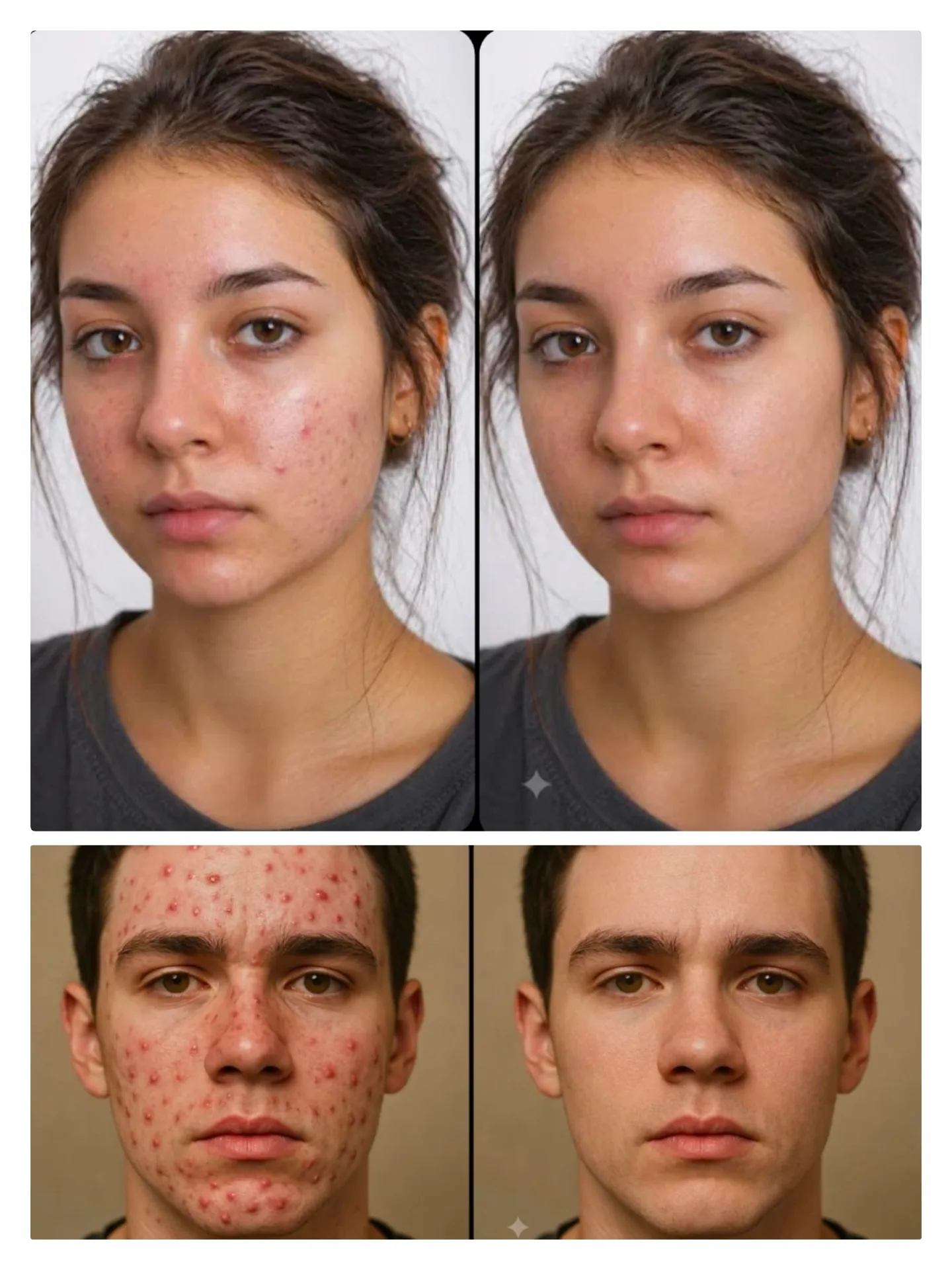
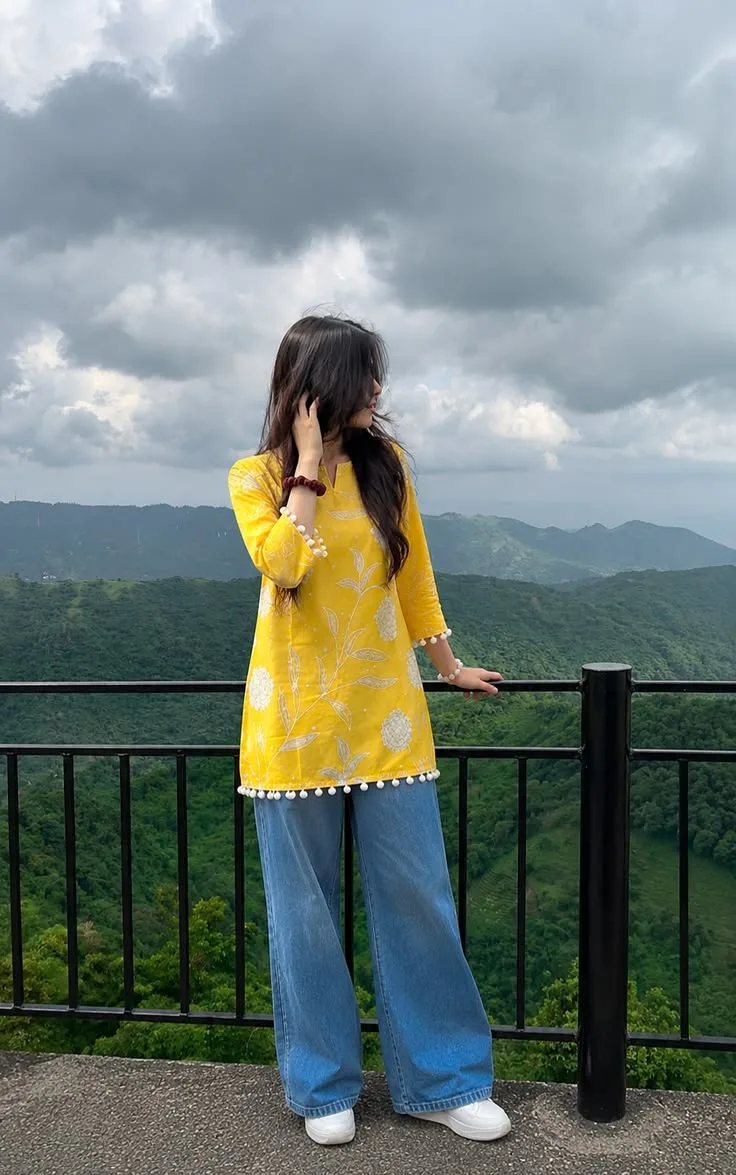
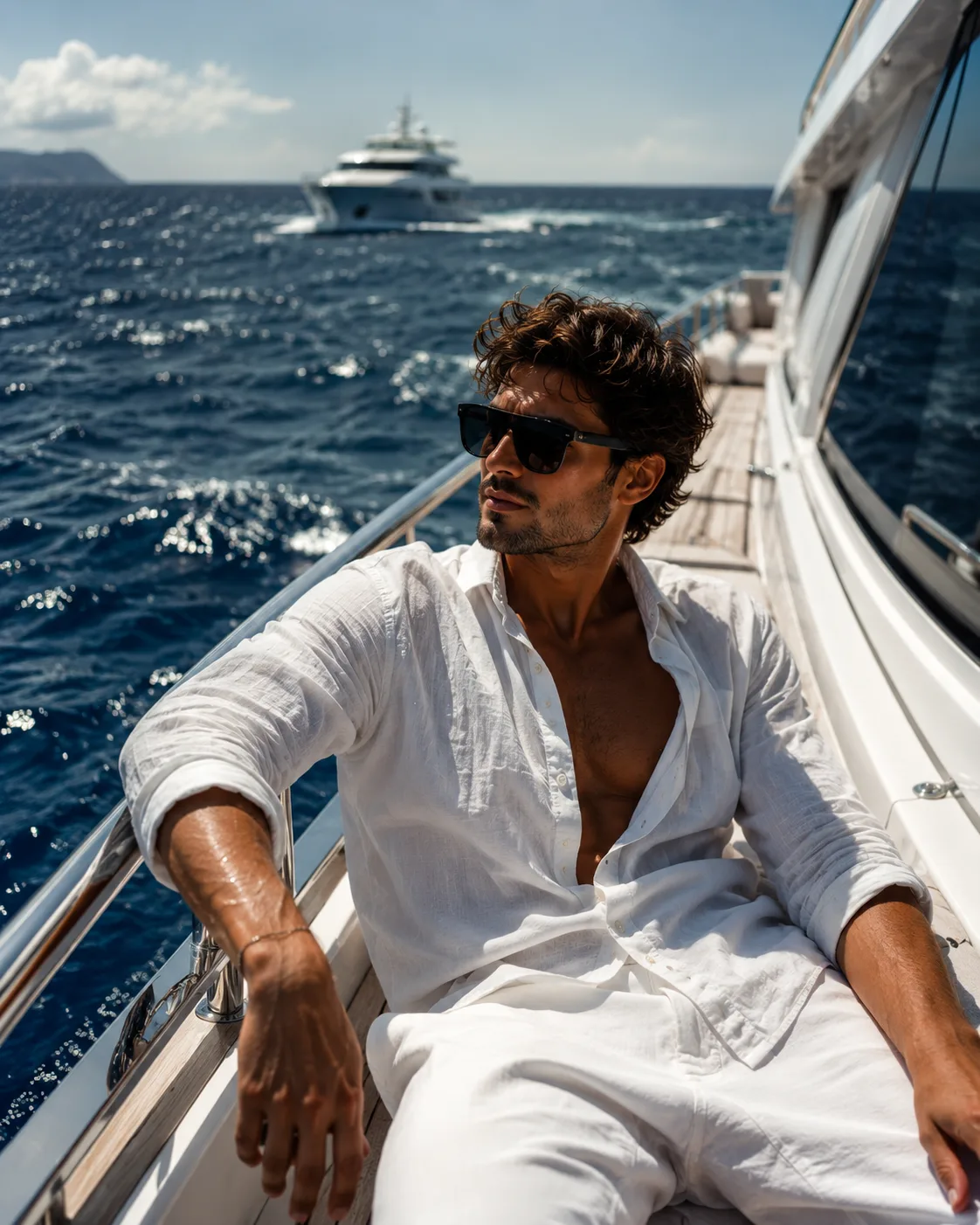
Natural skin cleansing smoothing and retouching
Professionally enhance the uploaded photograph with subtle, natural skin cleansing, smoothing, and light beauty retouching
Ai Prompt Labs
@admin • Prompt Engineer
Prompt Instruction Payload
Professionally enhance the uploaded photograph with subtle, natural skin cleansing, smoothing, and light beauty retouching.
1. Skin Enhancement
- Remove minor pimples, acne marks, temporary blemishes, and unwanted spots.
- Gently smooth uneven skin texture while preserving natural skin pores.
- Reduce dark spots, mild pigmentation, and under-eye darkness naturally.
- Maintain realistic skin texture, natural highlights, and original skin tone.
- Avoid excessive smoothing, artificial whitening, or plastic-looking skin.
2. Facial Preservation — Highest Priority
- Preserve the person's exact original face and identity.
- Do NOT change facial structure, face shape, jawline, nose, lips, eyes, eyebrows, or forehead.
- Do NOT change facial expressions, age, or natural proportions.
- No face reshaping, beautification filters, or AI-generated facial alterations.
3. Simple Professional Touch-Up
- Apply subtle, natural color correction.
- Improve overall skin tone consistency.
- Slightly enhance eye clarity and natural lip color.
- Correct minor lighting imperfections.
- Maintain original hairstyle, hairline, and facial hair.
4. Final Quality
- Premium professional photoshoot finish.
- Ultra-realistic skin texture with natural pores and fine details.
- Balanced exposure, realistic colors, and soft natural lighting.
- Maintain the original background, clothing, pose, and composition.
IMPORTANT: The final image must look like the same person with naturally clean, healthy, refreshed skin—not like someone wearing a beauty filter. Keep all facial features and facial geometry 100% unchanged.
Insert discreet watermark in the lower right corner of the image, vertical text (rotated 90°), written "aipromptlabs.online", Calibri Light font, white color with low opacity (semi-transparent), medium size. Extreme sharpness on the face, fabric texture and typography of the letters. Shot on Canon EOS R5, 50mm f/2.8, studio light.
ChatGPT-4o

ChatGPT-4o
Gemini 2.0 Flash
ChatGPT-4o
ChatGPT-4o

Creator Discussions & Community Comments 0
Join the AI Prompt Labs community to comment and share variations.